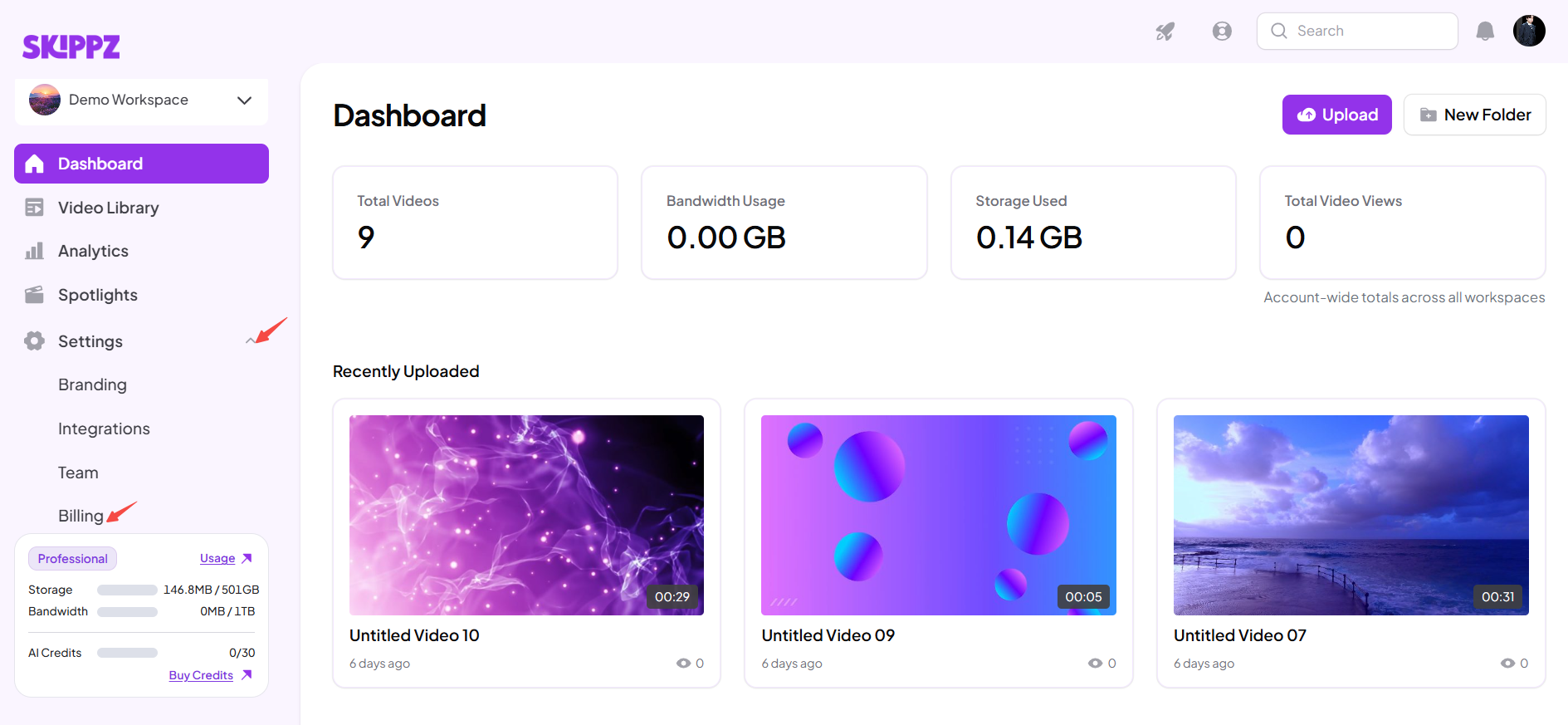
1. Question: Where can I view my billing information?
Answer: Go to Settings → Billing in Skippz.From there, you can review your billing history, Pay As You Go activity, add-ons, subscription details, invoices, and payment information.
2. Question: What does my Skippz subscription include?
Answer: Your plan can include resources such as storage, bandwidth, AI Credits, seats, and workspaces, depending on your plan.
Each resource is used differently. Storage is used for storing videos, bandwidth is used when videos are delivered to viewers, AI Credits are used for supported AI features, seats are for team members, and workspaces are used to organize content and teams.
3. Question: What is the difference between storage and bandwidth?
Answer: Storage is used to store the videos you upload to Skippz.Bandwidth is used when those videos are delivered and played by viewers.
Uploading a video uses storage. Watching that video uses bandwidth.
4. Question: Does my storage reset every billing cycle?
Answer: No.Storage represents the videos currently stored in your account. It does not reset when a new billing cycle starts.
Deleting videos reduces your storage usage.
5. Question: Does my bandwidth reset every billing cycle?
Answer: Yes.Your included bandwidth resets when your new billing period begins. Unused bandwidth does not carry over to the next billing period.
6. Question: What happens when I reach my storage limit?
Answer: When your account reaches its included storage limit, you can use a Storage Add-on to add more storage.If you try to upload a video that would exceed your available storage, Skippz shows an Add Storage pop-up explaining how much additional storage is needed.
7. Question: What is a Storage Add-on?
Answer: A Storage Add-on is additional storage purchased on top of the storage included with your plan.Storage Add-ons allow you to store more videos without necessarily upgrading your subscription plan.
8. Question: How are Storage Add-ons calculated?
Answer: Skippz calculates how much storage your upload would exceed your included storage by.The required amount is then rounded up to the next whole 1 GB because Storage Add-ons are provided in 1 GB increments.
For example, if you need 600 MB of additional storage, you need to add 1 GB.
9. Question: Why does the Add Storage pop-up appear when I upload a video?
Answer: The pop-up appears when the video you're trying to upload would cause your storage usage to exceed your included storage.It tells you how much additional storage is needed to complete the upload.
10. Question: I have 1 GB left, but my video is 1.6 GB. What happens?
Answer: You have 0.6 GB more storage needed than your remaining included storage.Because Storage Add-ons are available in 1 GB increments, you would need to add 1 GB of additional storage to upload the video.
11. Question: Can I buy only 600 MB of additional storage?
Answer: No.Storage Add-ons are available in 1 GB increments.If you need 600 MB, you need to purchase 1 GB.
12. Question: Does deleting a video reduce my storage usage?
Answer: Yes.Deleting videos reduces the amount of storage currently used by your account.
13. Question: If I delete videos, do I still need a Storage Add-on?
Answer: It depends on your remaining storage usage.If deleting videos brings your usage back within your plan's included storage, you no longer need additional storage for that excess usage.
14. Question: Is additional storage paid from my Wallet?
Answer: No.Storage Add-ons are separate from Wallet-funded Pay As You Go usage.
15. Question: When am I charged for additional storage?
Answer: The applicable Storage Add-on charge is added to your next subscription billing date.
16. Question: Can I add storage instead of upgrading my plan?
Answer: Yes.If you only occasionally need additional storage, a Storage Add-on can be used instead of upgrading your subscription.
17. Question: Where can I see my usage?
Answer: You can view your usage from the Usage Dashboard.
It provides information such as included usage, used usage, remaining usage, additional usage, storage, bandwidth, historical usage, and your current billing period.
18. Question: What does "Included" mean in the Usage Dashboard?
Answer: Included represents the amount of a resource provided by your current plan for the relevant billing period or account limit.
19. Question: What does "Used" mean?
Answer: Used shows how much of the relevant resource your account has consumed.
20. Question: What does "Remaining" mean?
Answer: Remaining shows how much of your included resource is still available.
For bandwidth, this changes during your billing period. For storage, it reflects the storage capacity remaining based on your current stored videos.
21. Question: What does "Additional" mean?
Answer: Additional represents usage or resources beyond what is included in your plan, such as applicable additional bandwidth or storage.
22. Question: Why is my usage higher than expected?
Answer: Higher usage can have legitimate causes, including:
More viewers watching your videos
Repeated playback
Embedded videos receiving more traffic
Higher-quality or larger video streams
Traffic spikes
Check your Usage Dashboard and Workspace view to investigate where the usage is coming from.
23. Question: Does every workspace have its own storage allowance?
Answer: No.
Storage is calculated at the account level.
Creating multiple workspaces does not give each workspace its own storage allowance.
24. Question: Does every workspace have its own bandwidth allowance?
Answer: No.
Bandwidth is also calculated at the account level.
All video delivery across your workspaces contributes to the account's bandwidth usage.
25. Question: What is the difference between General View and Workspace View?
Answer: General View shows usage for your entire account.
Workspace View organizes usage information by individual workspaces.
Workspace View helps you understand where usage is coming from, but it does not create separate storage or bandwidth allowances for each workspace.
26. Question: If I have 100 GB storage and two workspaces, do I get 100 GB for each?
Answer: No.
You have 100 GB for the account as a whole.
For example, if one workspace uses 60 GB and another uses 30 GB, your total account usage is 90 GB.
