
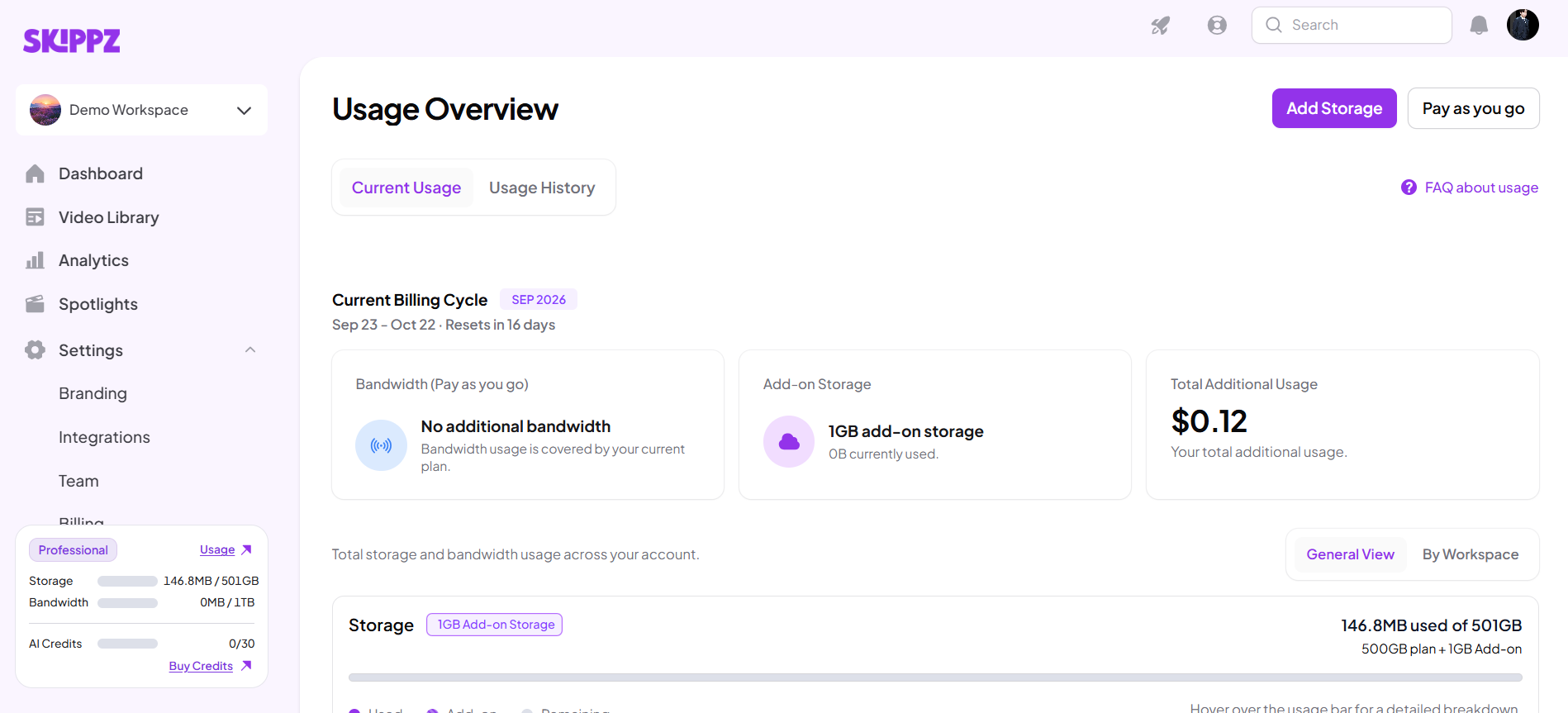
01. Question: What uses bandwidth?
Answer: Bandwidth is used when video data is delivered to viewers.Video playback, embedded videos, and increased viewer traffic can all contribute to bandwidth usage.
02. Question: What happens when I use all my included bandwidth?
Answer: Once your included bandwidth is exhausted, additional bandwidth can be charged through Pay As You Go, provided Pay As You Go is enabled and your Wallet has sufficient funds.
03. Question: What is Pay As You Go?
Answer: Pay As You Go allows Skippz to continue providing additional bandwidth after your included bandwidth has been used.Additional usage is paid using your Skippz Wallet.
04. Question: Does Pay As You Go apply to storage?
Answer: No.Pay As You Go is used for eligible additional bandwidth usage.Additional storage is handled through Storage Add-ons.
05. Question: What happens if my Wallet has $0?
Answer: If you still have included bandwidth remaining, having $0 in your Wallet does not affect that included bandwidth.If your included bandwidth is already exhausted, additional bandwidth requires available Wallet funds. Without sufficient funds, videos requiring additional bandwidth may not play.
06. Question: Do other Skippz features stop working if my Wallet reaches $0?
Answer: No.If additional bandwidth cannot be covered because your Wallet has no funds, functionality that does not require that additional bandwidth remains available.
07. Question: Does unused bandwidth carry over?
Answer: No.Included bandwidth resets with your billing cycle, and unused bandwidth does not carry over.
08. Question: Can I turn Pay As You Go off?
Answer: Yes.You can turn Pay As You Go on or off from the relevant billing settings.