If you already have videos, you may have asked yourself:
How can I present all my videos in one professional place?
How can I share my work without sending many separate video links?
Can I sell individual videos?
Can I sell access to my complete video collection?
Can I offer rentals?
Can I create a subscription video library?
Can I create a short-form video series?
Spotlight is designed to help you do all of this through a branded video experience.
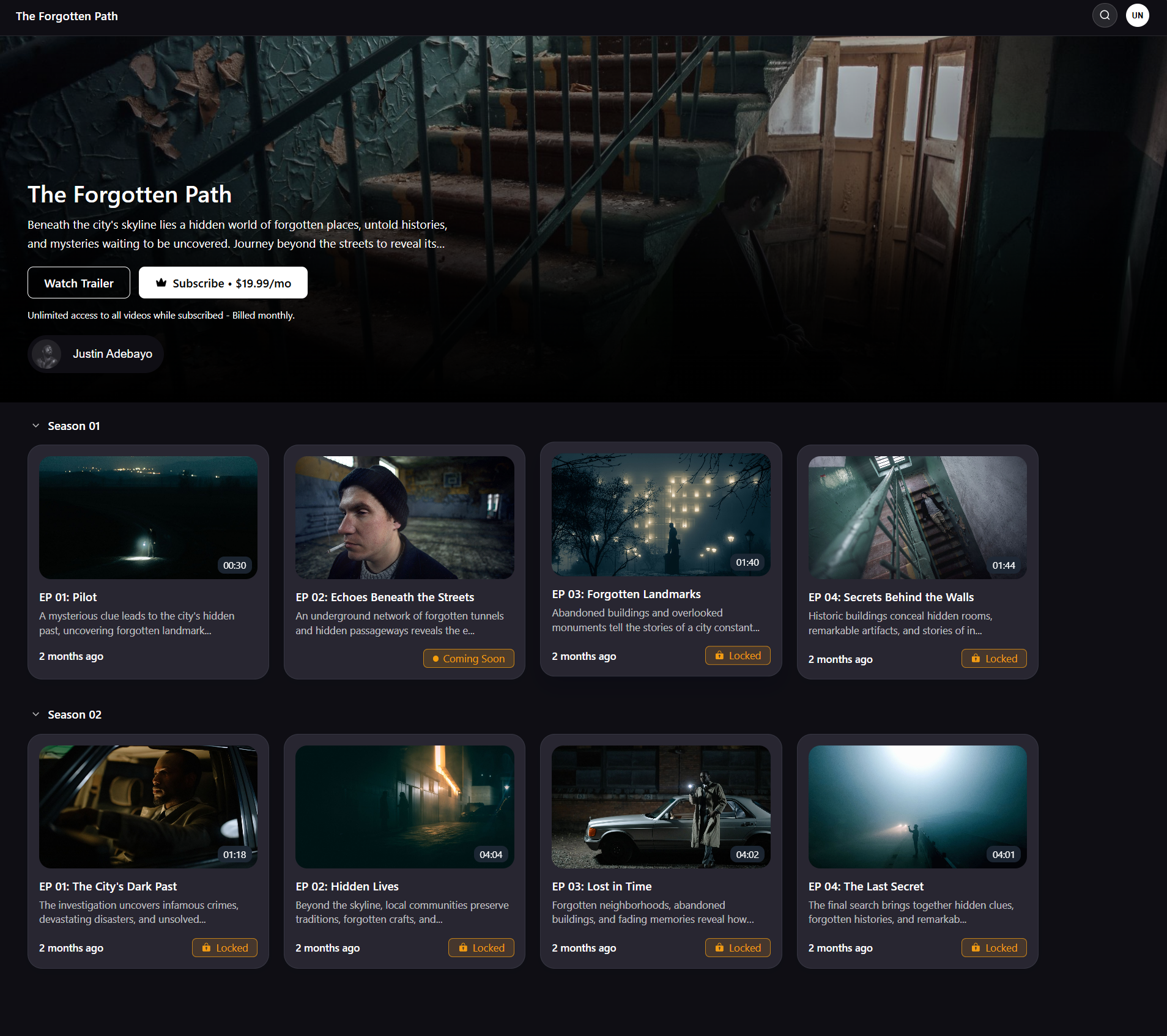
By the end of this article, you'll understand what Spotlight is, which type to choose, how your viewers can interact with it, and what you can do after creating one.
Spotlight lets you turn your videos into a branded viewing experience that you can publish and share with your audience.
Instead of giving someone a collection of separate video links, you can bring your videos together in one place.
For example, imagine you're a filmmaker with:
3 short films
5 behind-the-scenes videos
2 interviews
1 trailer
You could create a Spotlight for your work and bring those videos together into one branded experience.
Your audience can then explore the content you've made available and, depending on your settings:
Watch videos for free
Buy individual videos
Rent eligible content
Buy access to the complete Spotlight
Rent the complete Showcase Spotlight
Subscribe for access
So, Spotlight is more than a place to store videos.
It's a way to turn your videos into an experience for your audience.
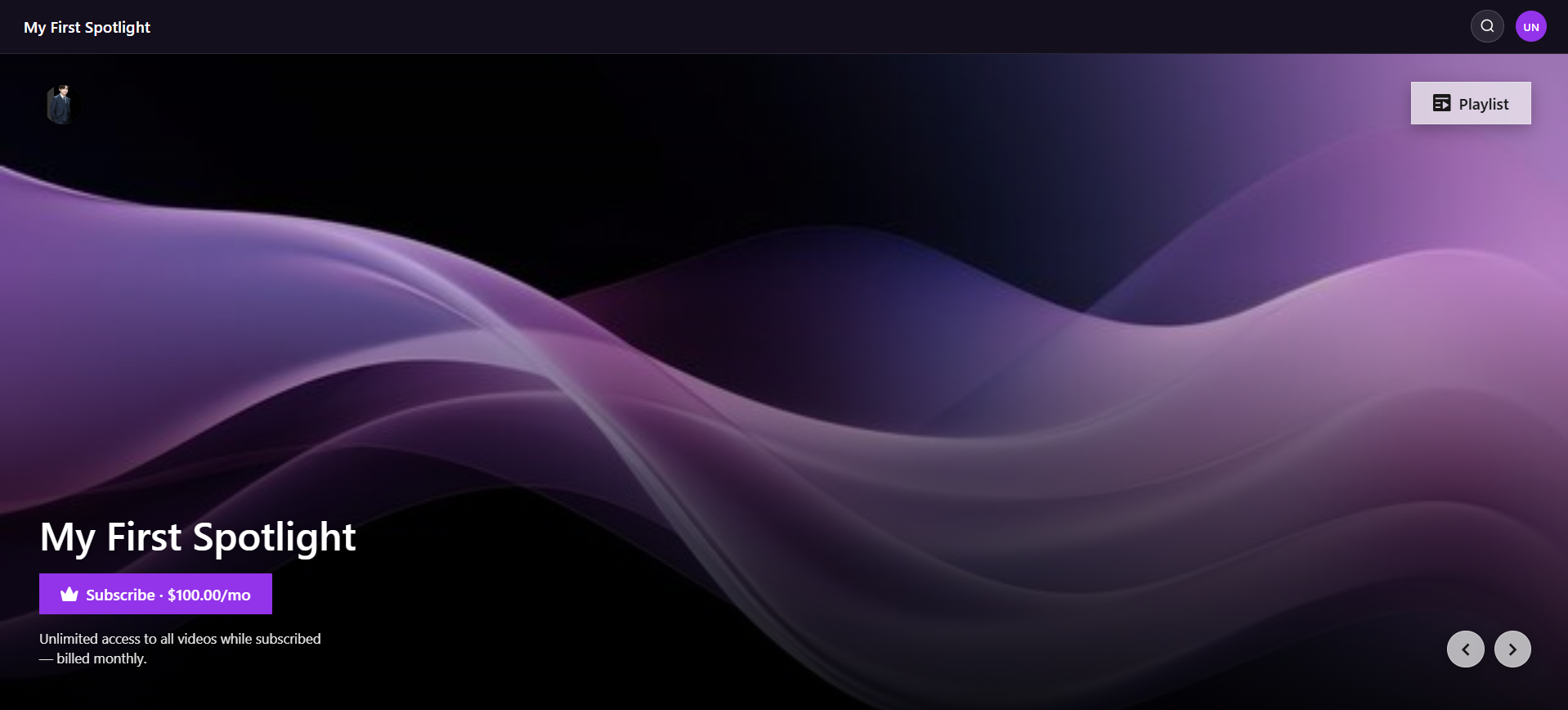
Sharing individual videos can work when you only have one or two videos.
But as your content grows, you may want something more organized and professional.
For example, a creator might have:
Portfolio videos → Films → Client work → Interviews → Showreel
Or an educator might have:
Video library → Beginner lessons → Advanced lessons → Tutorials → Bonus content
Or a creator might have:
Subscription content → Episode 1 → Episode 2 → Episode 3 → New content every week
Instead of managing these as separate experiences, Spotlight lets you bring them together.
Create a branded home for your videos
Organize multiple videos into one experience
Present your content professionally
Sell individual videos
Sell access to a complete Spotlight
Offer rentals where supported
Build a subscription video experience
Create a vertical short-form series
Share your Spotlight with your audience
Track members and paid users
View analytics after publishing
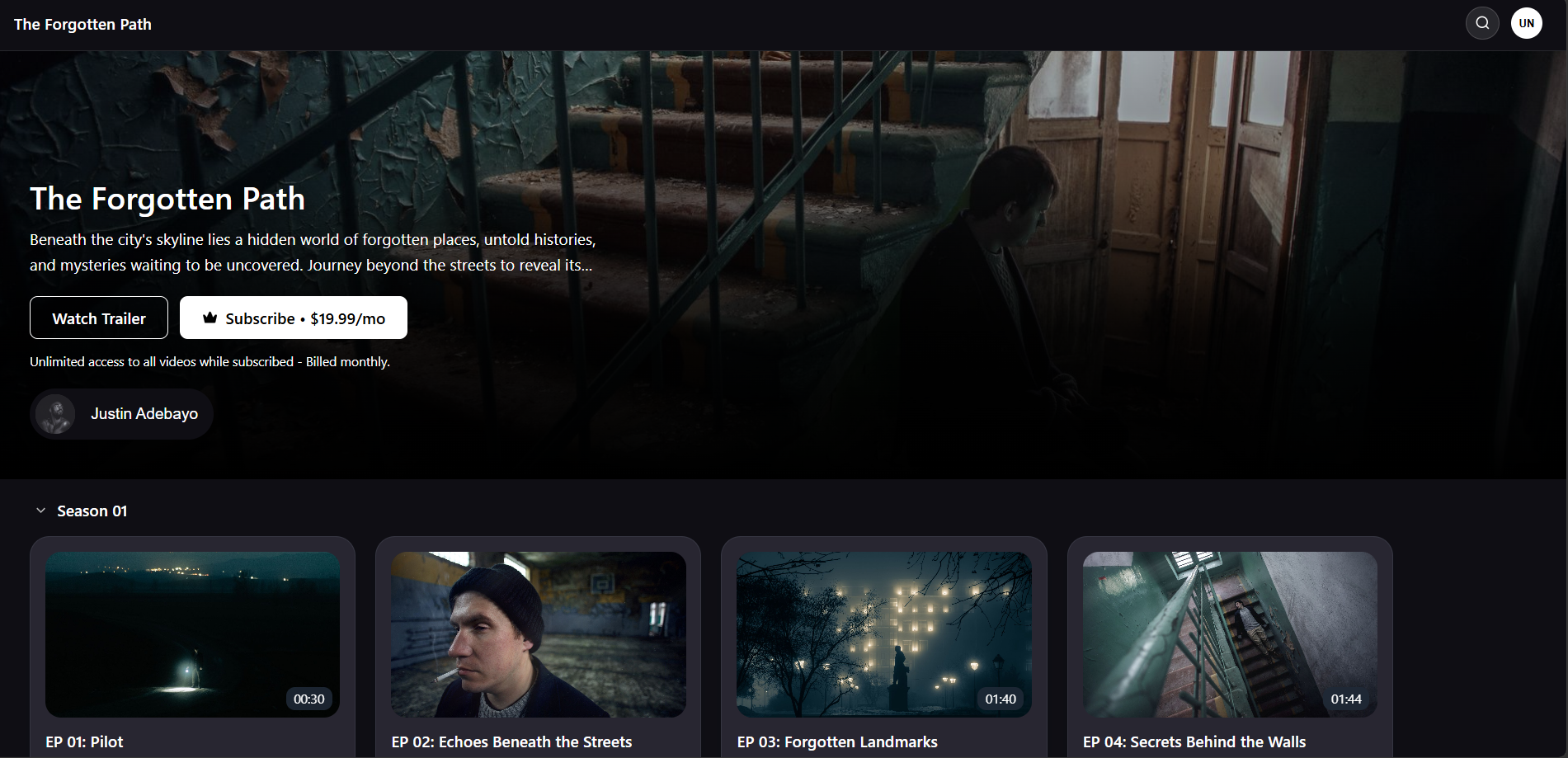
Spotlight is designed around five types of video experiences:
Showcase Spotlight
Vertical Spotlight
Course Spotlight
Event Spotlight
Campaign Spotlight
Currently, Showcase and Vertical are available to create.
This gives you two ways to build your video experience today, depending on your content.
Showcase Spotlight is the flexible option for creating a branded video collection or viewing experience.
Choose Showcase when you want to bring different types of video content together or create a more traditional video library.
Your videos don't all need to have the same orientation.
You can use:
Horizontal videos
Vertical videos
A combination of horizontal and vertical videos
Showcase also supports both horizontal and vertical player experiences, making it suitable for a wider range of content.
For example, a filmmaker could create a Showcase containing:
A horizontal feature film
A horizontal documentary
A vertical trailer
Vertical behind-the-scenes clips
Interviews
All of these can be part of the same branded Spotlight experience.
Professional portfolios
Film collections
Paid video libraries
Educational collections
Business and agency content
OTT-style video experiences
Video rental experiences
Subscription libraries
Showcase also provides the broadest access options, including purchases, rentals, and subscriptions.
If your content uses different video formats or you want a flexible video collection, Showcase is a strong choice.
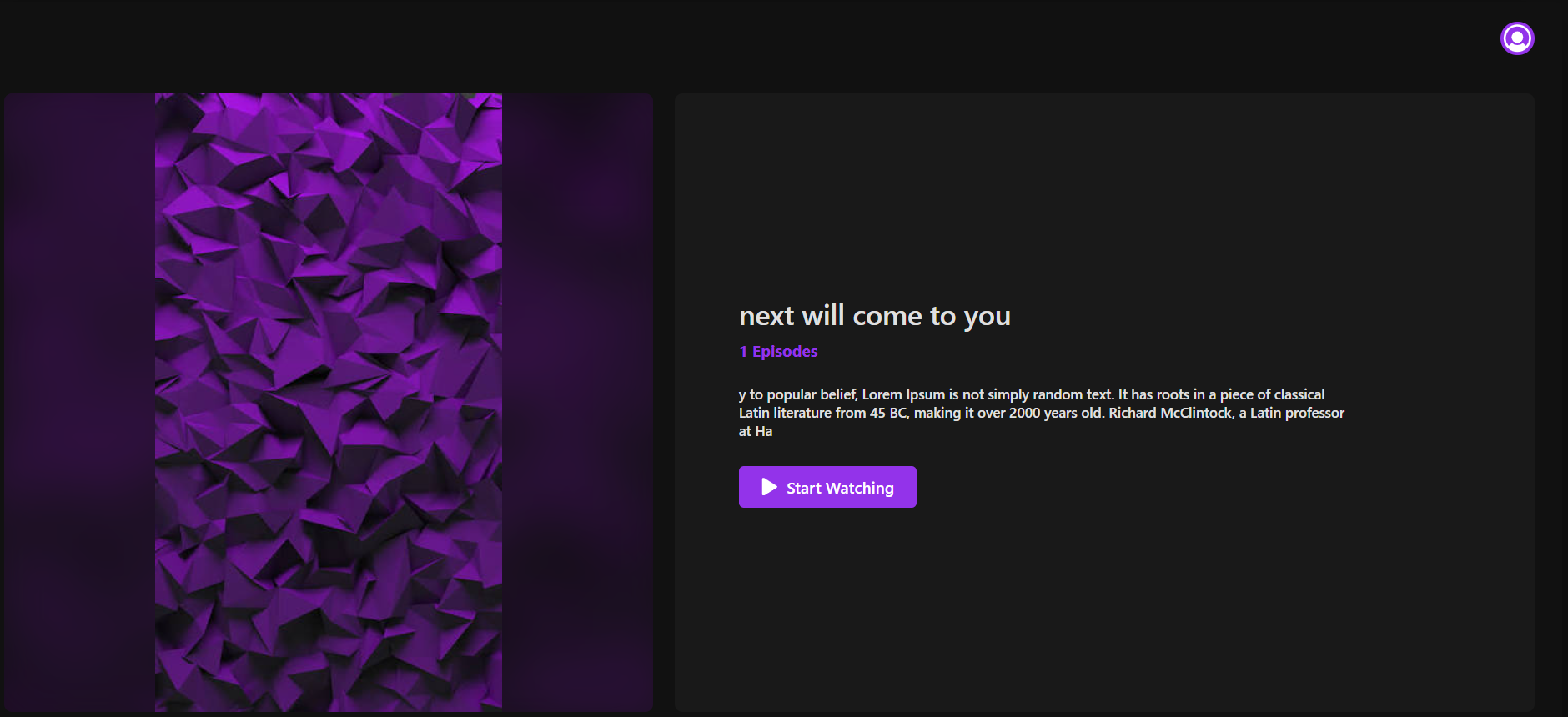
Vertical Spotlight is designed specifically for vertical video content.
Choose Vertical when your content is created for a vertical, short-form, episodic, and mobile-first viewing experience.
Unlike Showcase, Vertical is focused on vertical video.
For example, imagine you create a weekly cooking series:
Episode 1 — 5-Minute Pasta
Episode 2 — Easy Breakfast
Episode 3 — Quick Dessert
Episode 4 — One-Pan Dinner
If all of your episodes are vertical videos, Vertical Spotlight gives you a focused way to bring the series together.
Short-form series
Episodic content
Mobile-first video
Vertical creator content
Regular video episodes
Social-style video experiences
If your content is primarily vertical and you're creating a short-form or episodic series, Vertical is the natural choice.
The choice is simple:
Your videos include both horizontal and vertical formats.
You want a flexible video collection.
You're creating a portfolio.
You're creating a film or video library.
You want to offer rentals.
You want more flexibility in your viewing experience.
Your videos are vertical.
Your content is short-form.
You're creating episodes or a series.
Your audience is primarily consuming mobile-first content.
You want your Spotlight experience centered around vertical video.
In short:
Showcase = flexible video collections Vertical = vertical, short-form, episodic experiences
Creating a Spotlight is about bringing several parts of your video experience together.
Choose your Spotlight type
Start by deciding whether Showcase or Vertical fits your content.
Add your videos
Add the videos you want your audience to watch.
Your content can become a collection, library, portfolio, or series depending on your goal.
Customize the experience
Configure how your content is presented.
For Showcase, you can configure presentation options such as the layout and player type.
Choose how viewers access your content
You can choose an access model based on your goals.
Depending on your Spotlight type, you can offer:
Free access
Pay Per Video
Pay Per Spotlight
Subscription
Showcase also supports rental.
For rental, you can offer eligible content for 24, 48, or 72 hours.
Connect your payment account
A connected Stripe account is required to publish a Spotlight.
This allows you to set up the payment side of your Spotlight when you're offering paid access.
Publish and share
Once your Spotlight is ready, publish it and share it with your audience.
Your Spotlight becomes the destination where viewers can access your content according to the options you've configured.
Your audience doesn't need to understand how you created the Spotlight.
From their perspective, they simply receive a place where they can discover and watch your content.
For example, imagine you share:
“Watch my complete film collection.”
The viewer opens your Spotlight and sees the experience you've created.
They can explore the available videos and choose what they want to watch.
What happens next depends on your access settings.
The viewer can access the available content without purchasing it.
The viewer can choose an individual video and purchase access.
The viewer can purchase access to the complete Spotlight.
For Showcase Spotlight, the viewer can rent eligible content for the rental period you've configured.
The viewer can subscribe to access your content.
A new viewer who needs to purchase or rent content first creates a Skippz account.
After creating an account, they can continue with their purchase or rental.
If they already have a Skippz account, they can simply sign in.
Once they have access, they can watch their content and manage things such as:
Purchases
Rentals
Subscriptions
Billing
This means your audience has a consistent account experience even when they're accessing different Spotlight content.
You don't have to use Spotlight for only one purpose.
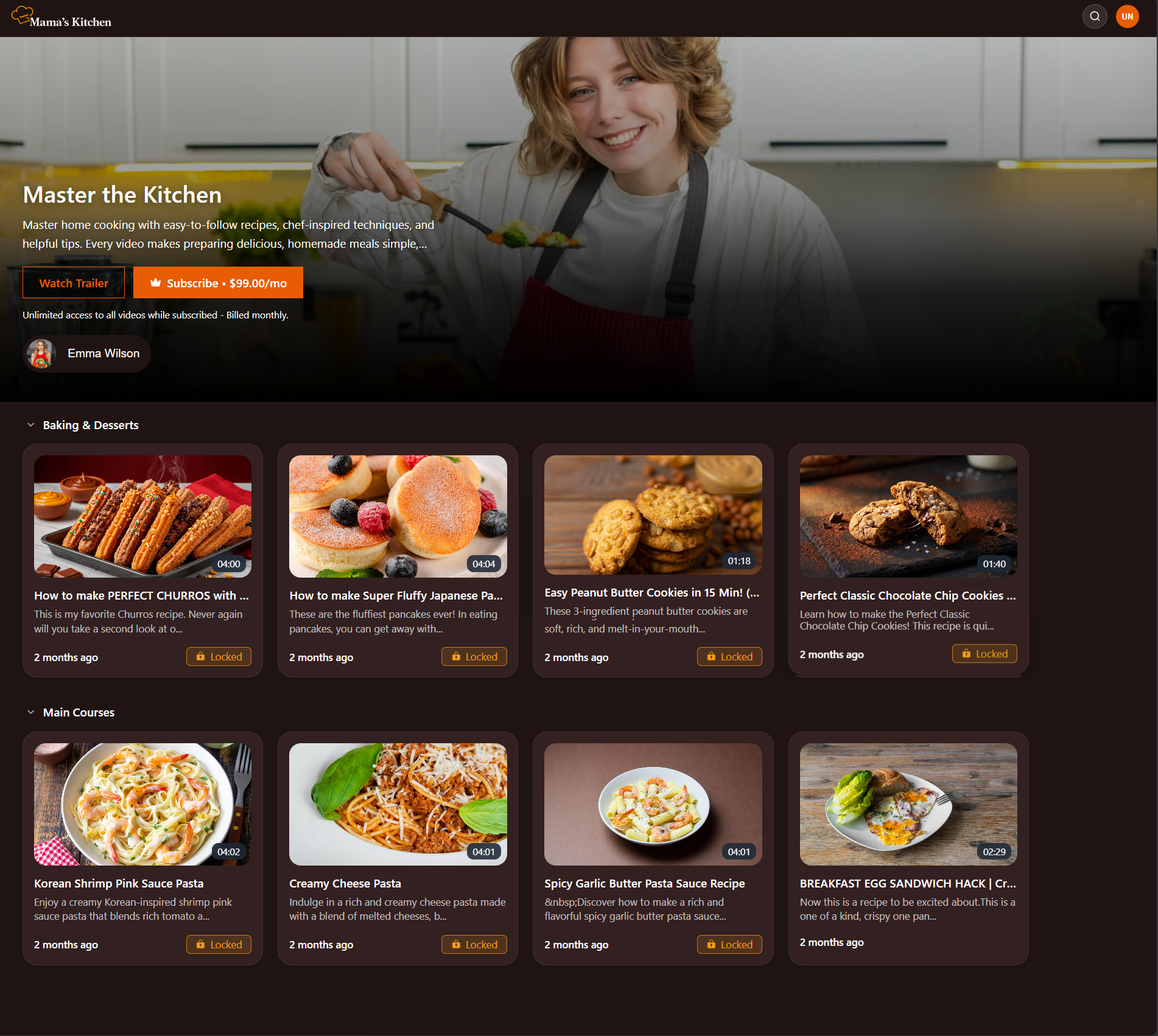
You can create different Spotlight experiences for different audiences or content goals.
For example, a creator could have:
A free Showcase containing their best work.
A paid Showcase where viewers can buy or rent films.
A subscription-based video library.
A Vertical Spotlight containing a short-form series.
Each Spotlight can be designed around a different audience and purpose.
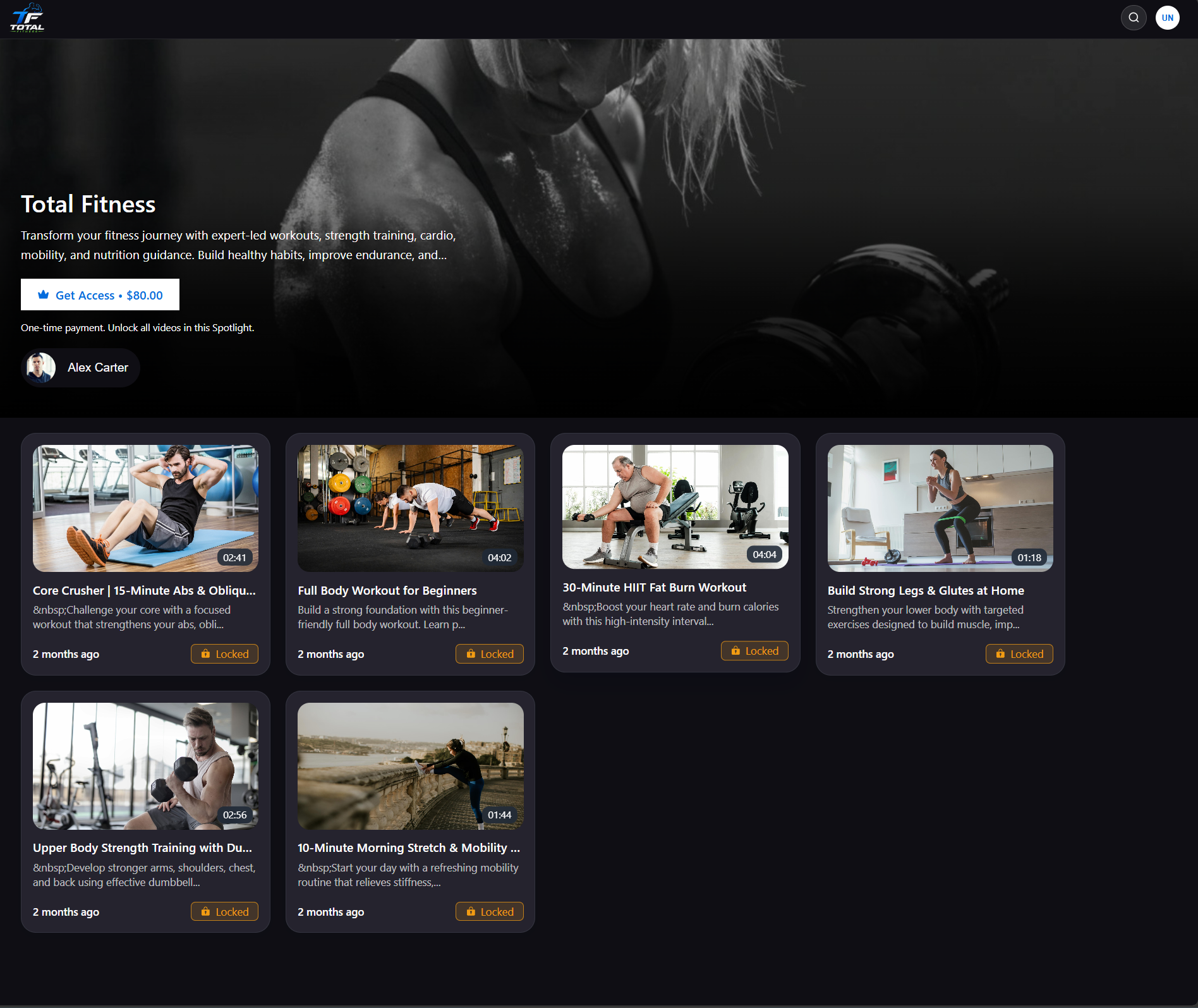
Imagine you're a fitness creator.
You have 30 videos and want to build a professional video library.
You could create a Showcase Spotlight called:
Inside it, you could organize:
Strength Training
Upper Body
Lower Body
Full Body
Cardio
HIIT
15-Minute Cardio
Beginner Cardio
Mobility
Morning Stretch
Full Body Mobility
Recovery
You could then choose how viewers access your content.
Maybe you want everything to be free.
Or perhaps you want viewers to purchase individual workouts.
Or you might want to sell access to the complete library.
You could also create a subscription experience for ongoing access.
The videos stay at the center of the experience, but Spotlight gives your audience one professional destination for discovering and watching them.
Creating your Spotlight isn't the end of the process.
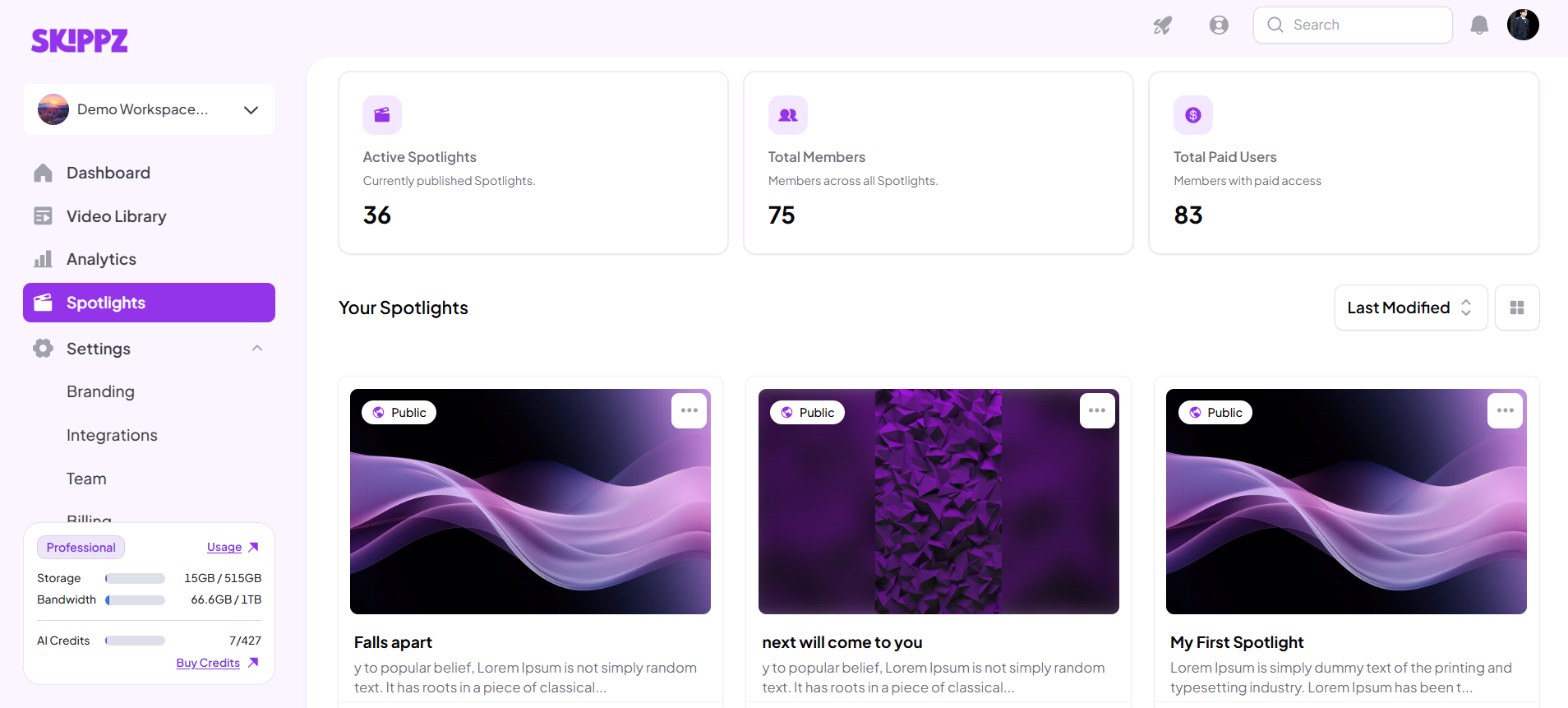
You can continue managing your experience from your Spotlight tools.
Depending on your setup, you can:
Edit your Spotlight
Add or manage videos
Update presentation settings
Configure access and monetization
Manage Video Pages for eligible videos
Publish your Spotlight
Share it with your audience
Monitor members
Monitor paid users
View analytics
Manage your creator profile
Manage your payment account
Your published Spotlights can also provide analytics to help you understand your audience and paid users.
Now that you understand the idea behind Spotlight, you can start making decisions about your own experience.
Start with How to Create Your First Spotlight.
You'll learn how to go from an empty Spotlight to a created experience.
Read How to Choose the Right Spotlight for Your Content.
You'll learn which type fits different content formats, audiences, and use cases.
Read How to Choose the Right Access Type for Your Audience.
You'll learn when to use Free, Pay Per Video, Pay Per Spotlight, or Subscription.
Read Understanding Video Pages.
You'll learn how individual videos can have their own branded, shareable pages.
Discover What You Can Create with Spotlight
How to Create Your First Spotlight
Understanding Spotlight Types
How to Choose the Right Spotlight for Your Content
Understanding How Users Experience Your Spotlight
How to Choose the Right Access Type for Your Audience