Traditional video marketing tools rely on fixed timestamps.
If something is scheduled for 2:00, it appears at 2:00 no matter what.
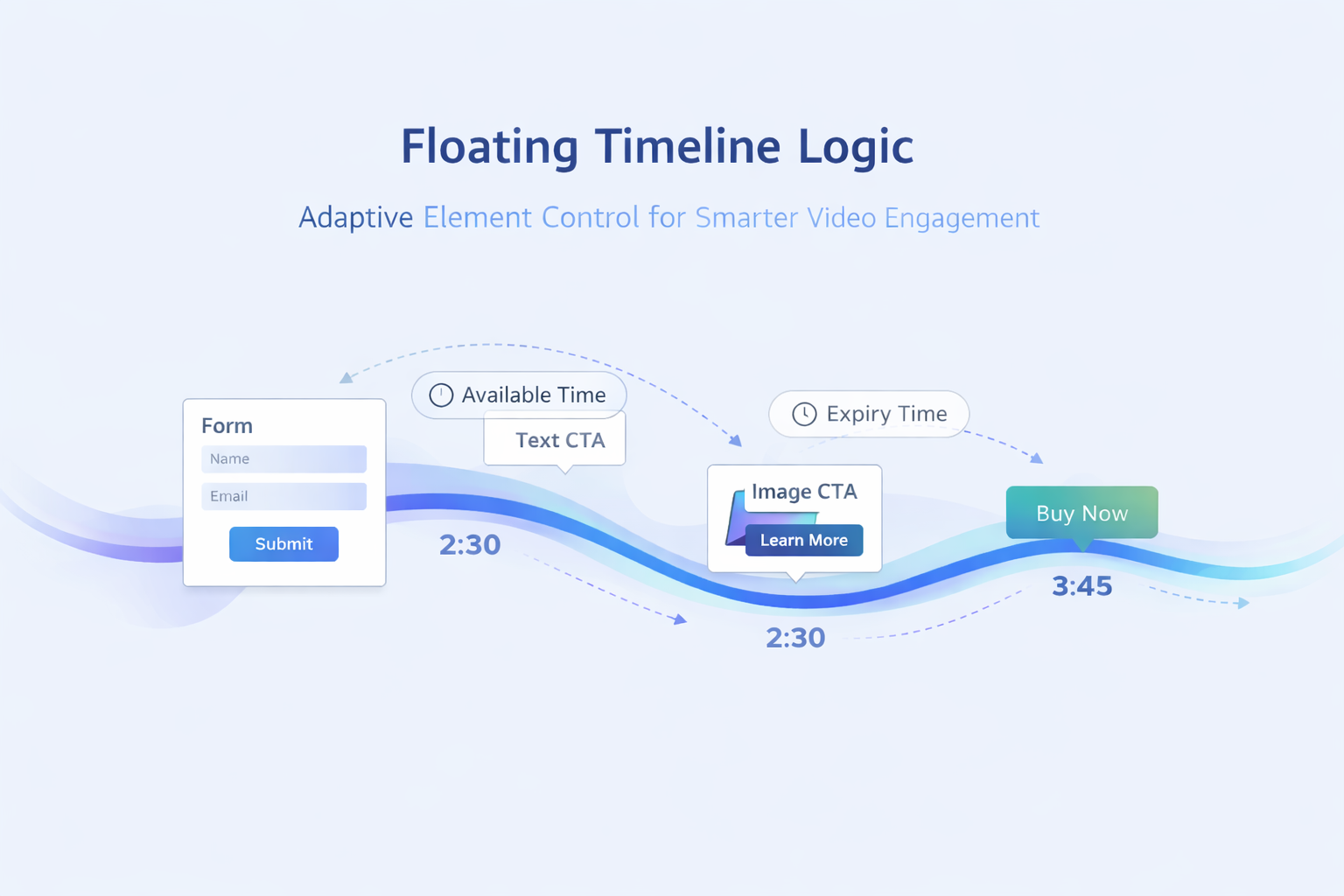
This creates problems when:
A form pauses the video
An element stays on screen longer than expected
A viewer delays interaction
Multiple elements overlap in timing
Floating Timeline Logic solves this by allowing marketing elements to shift intelligently rather than collide.
Elements appear strictly at their assigned timestamps
Viewer behaviour is ignored
Conflicts are common
Viewers can be overwhelmed or blocked
Elements respect their intended order
Actual appearance adapts to viewer interaction
Conflicts are resolved automatically
The video experience remains natural
Skippz uses floating timelines whenever rigid timing would harm usability.
Floating Timeline Logic activates when certain conditions are met.
This commonly happens when:
A blocking element has no expiry or available time
A form plays while the video continues
A viewer delays submitting or skipping an element
Multiple elements exist after a long-running interaction
In these cases, Skippz prioritises sequence and experience over absolute timestamps.
At a high level, Skippz evaluates three things continuously:
Element type
Viewer interaction
Timing constraints
Based on this, elements may either:
Appear at their original time
Be delayed until earlier interactions finish
Be skipped entirely if their valid window has passed
This happens automatically without requiring manual intervention.
Forms are the most common trigger for floating behaviour.
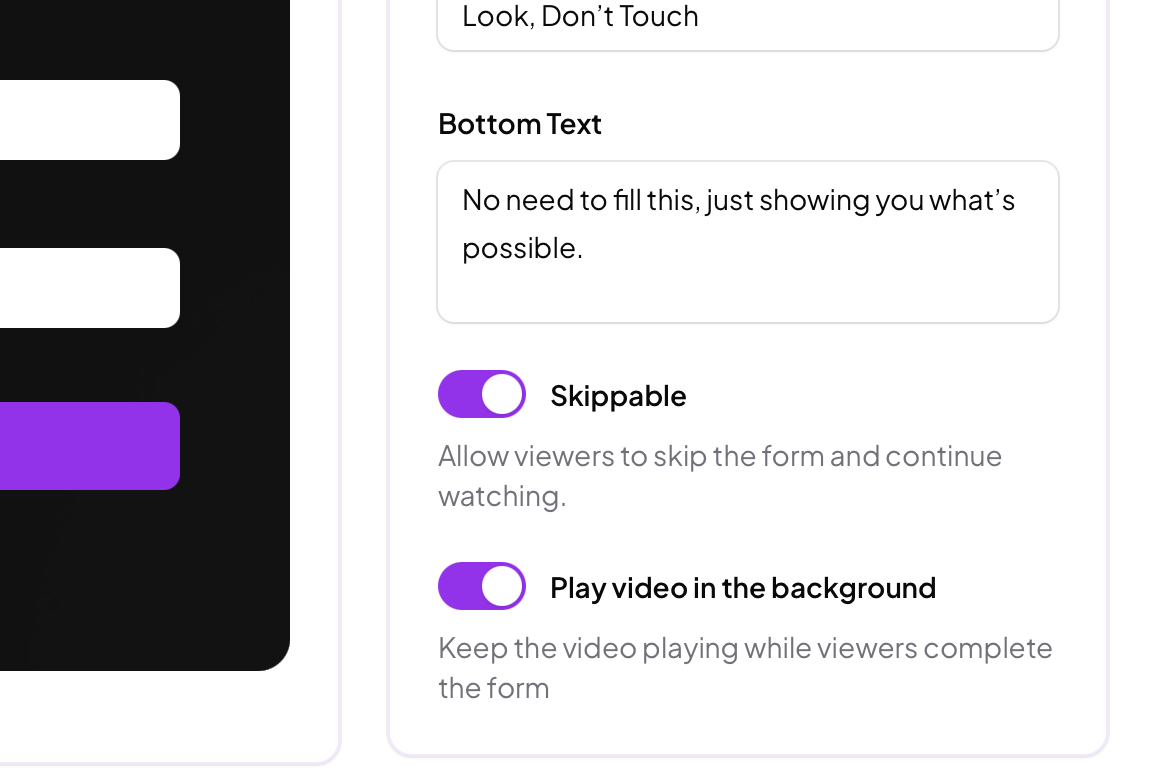
When Play Video in the Background is enabled :
The video continues playing
The form overlays the video
You may optionally set an expiry time within the video timeline
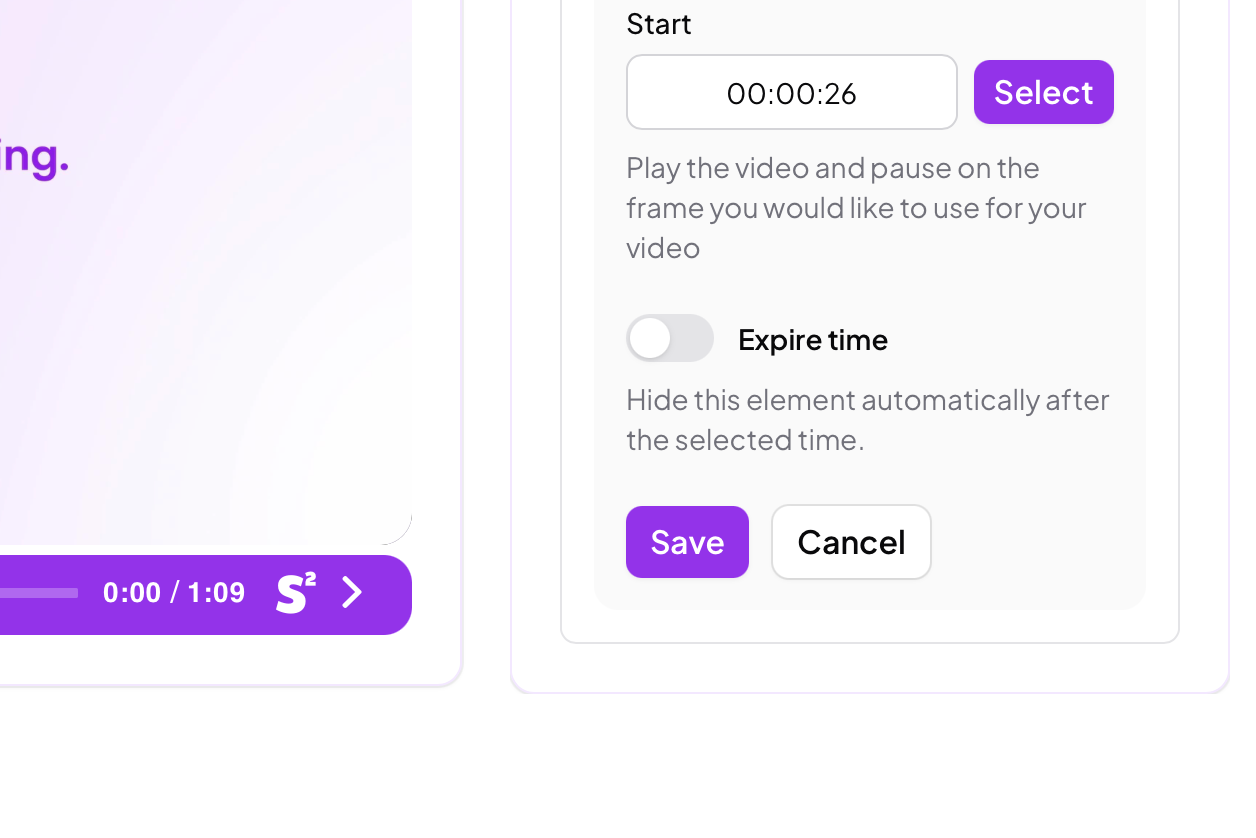
If no expiry time is set:
The form remains active indefinitely
Subsequent elements are pushed forward
The timeline becomes fully floating
If other elements have expiry or availability windows:
Those elements will not appear if their valid time passes while the form remains active
This prevents outdated or mistimed prompts from appearing late
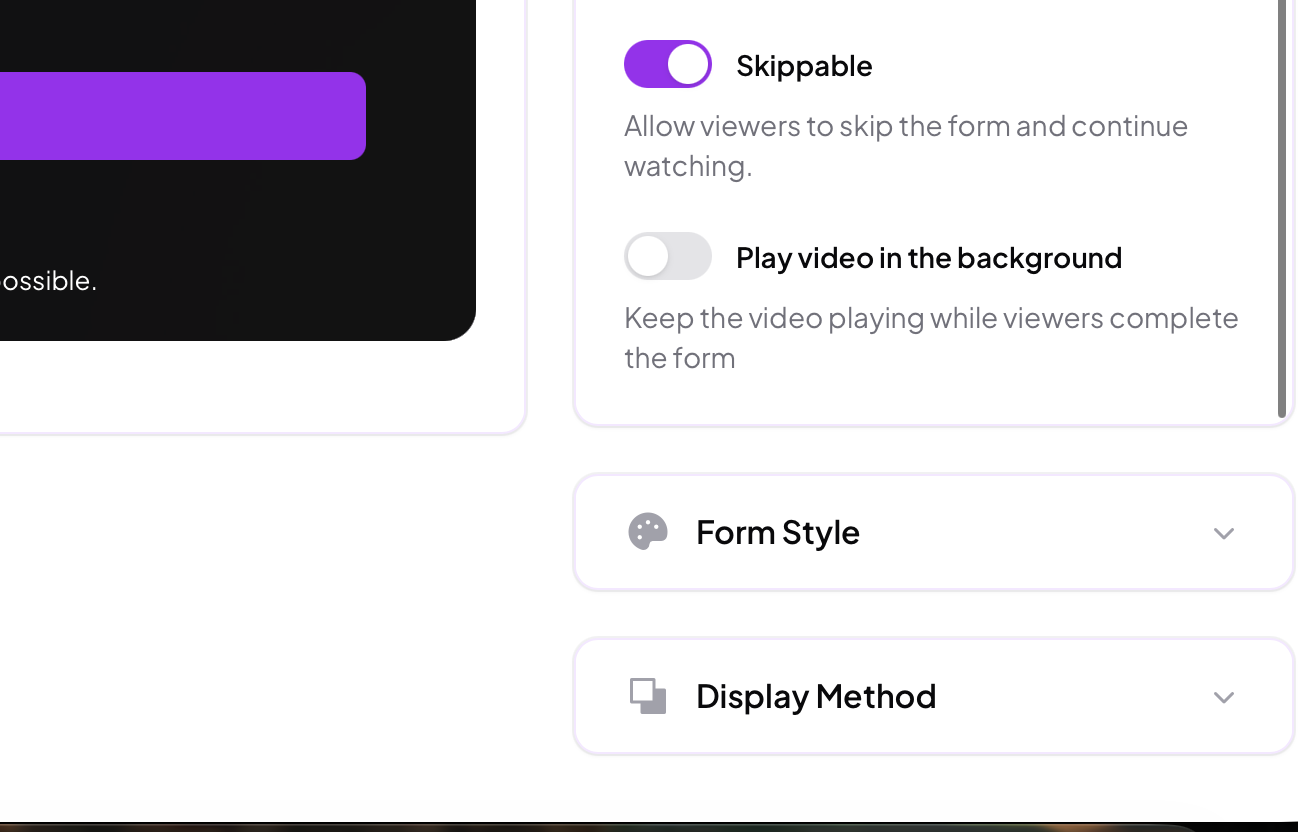
The video pauses when the form appears
An available duration can be set
The form disappears automatically after that duration if untouched
In this case:
Floating behaviour is minimal
The timeline resumes cleanly once the form closes
Call to Actions also participate in floating logic.
Image and text CTAs behave similarly to forms when displayed.
If they remain active beyond their intended window, later elements may shift or be skipped.
Button CTAs coexist with the video and are less disruptive.
They typically do not cause timeline shifts unless combined with blocking elements.
When several marketing elements exist in a single video, Skippz follows these principles:
Element order is preserved
Viewers are never trapped
No two blocking elements compete for attention
Expired elements do not resurface later
The video always remains playable
This allows you to design complex strategies without manually calculating edge cases.
An element will not be shown if:
Its expiry or availability window has passed
A previous interaction delayed the timeline beyond its valid range
Showing it would interrupt a more critical interaction
This behaviour is intentional and protects viewer experience.
For best results:
Use expiry or available times when order matters
Avoid stacking too many blocking elements back to back
Use soft elements for long videos
Let floating logic handle unpredictability
Floating timelines are not a limitation.
They are a safeguard.
Floating Timeline Logic adapts to viewer behaviour
Elements shift when rigid timing would cause conflicts
Expired elements are skipped intentionally
Viewer experience always takes priority
Complex setups remain stable without manual tuning
Floating Timeline Logic is what allows the Skippz Marketing Suite to remain powerful without becoming fragile.
You define the strategy.
The system ensures it behaves correctly.
