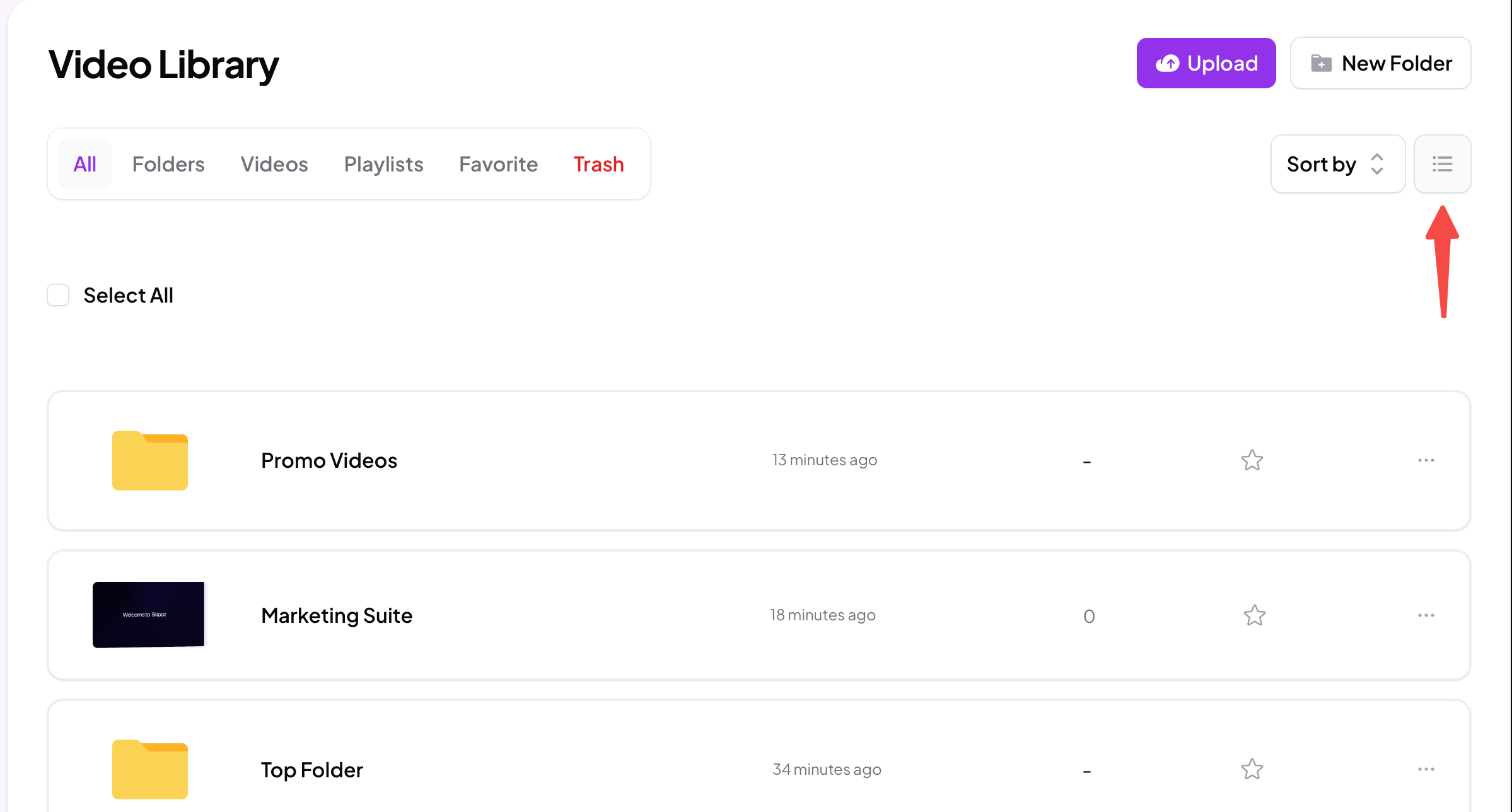
Use the view toggle at the top right of your library to choose how things are shown.
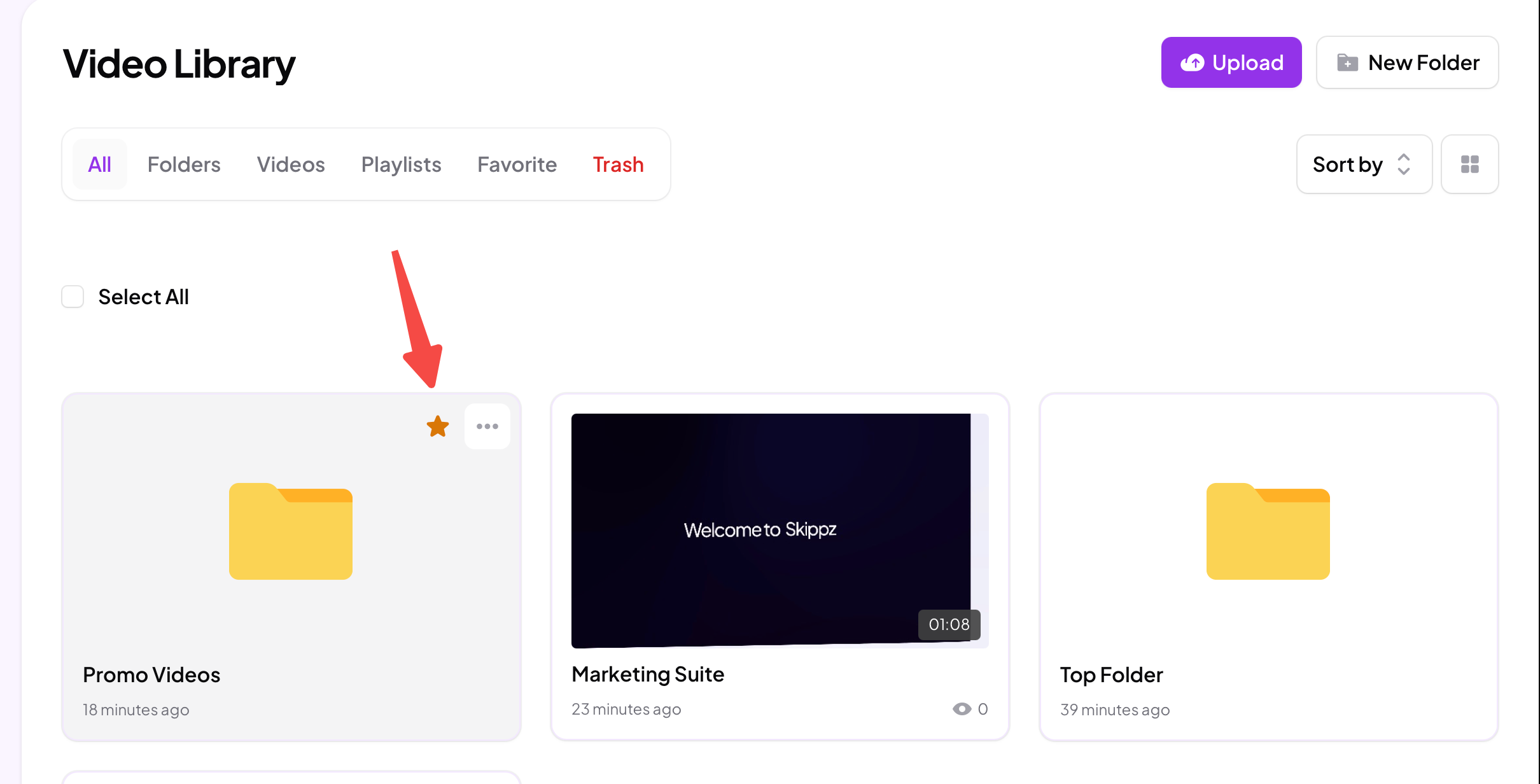
Tile view is the default, a visual grid of thumbnails. Best for browsing and recognising videos at a glance.
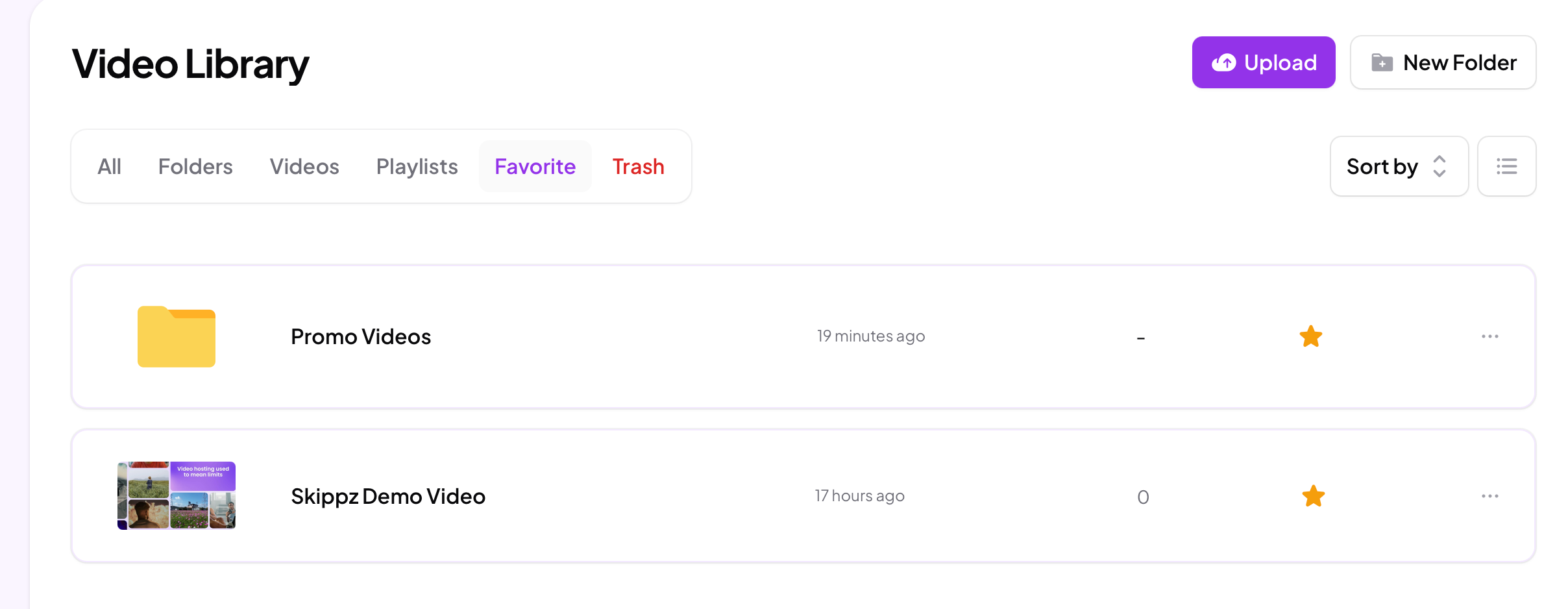
List view shows compact rows with the name, when it was last changed, view count and a favourite star. Best for scanning a lot of videos quickly.
Pick whichever gives you the clearest overview for what you are doing.
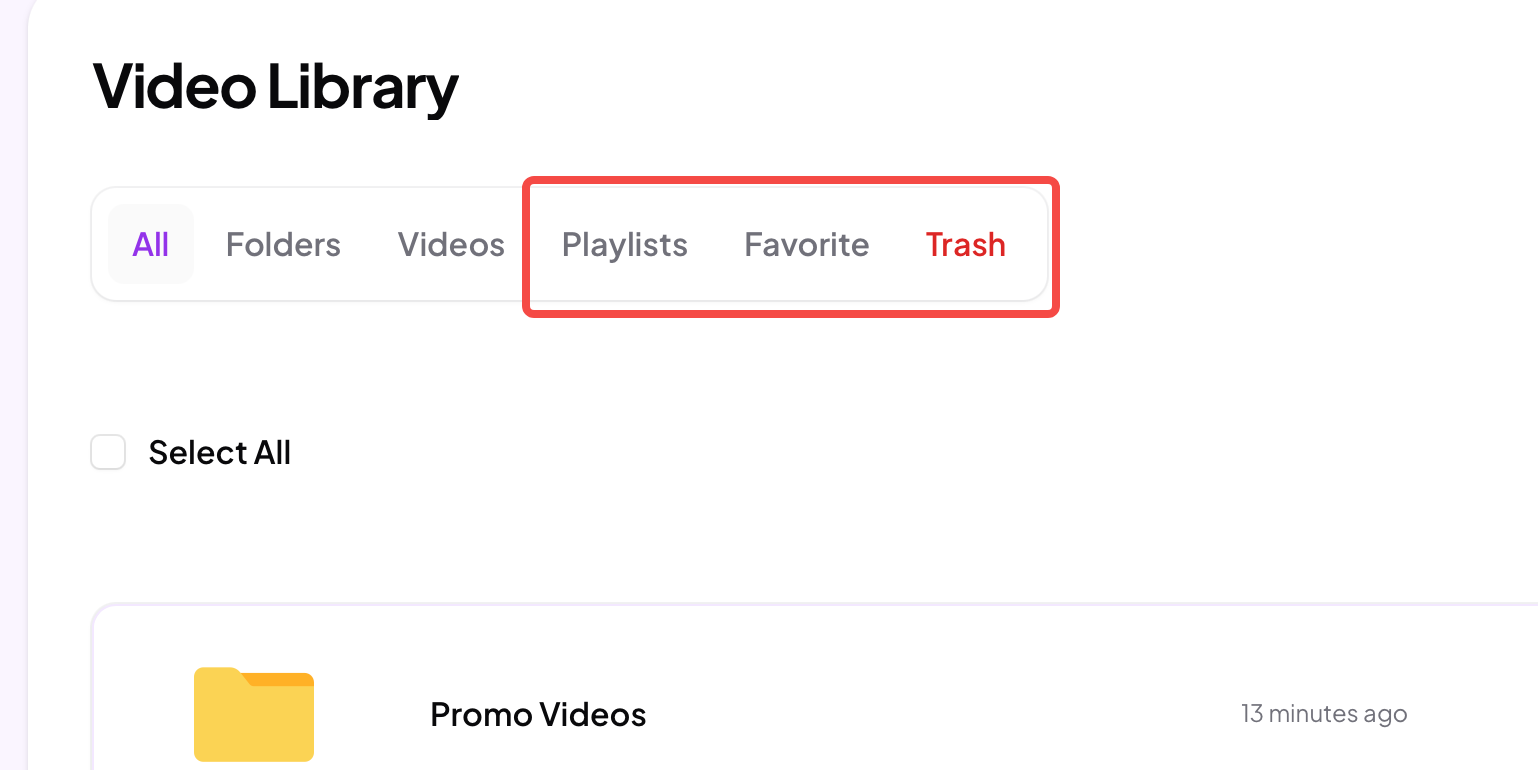
The tabs across the top narrow your library to one kind of thing at a time. Alongside All, Folders and Videos, which are covered in organising your library, you have:
Playlists shows just your playlists.
Favorite shows everything you have pinned as a favourite.
Trash shows items you have removed.
Tap a tab to jump straight to that slice instead of scrolling through everything.
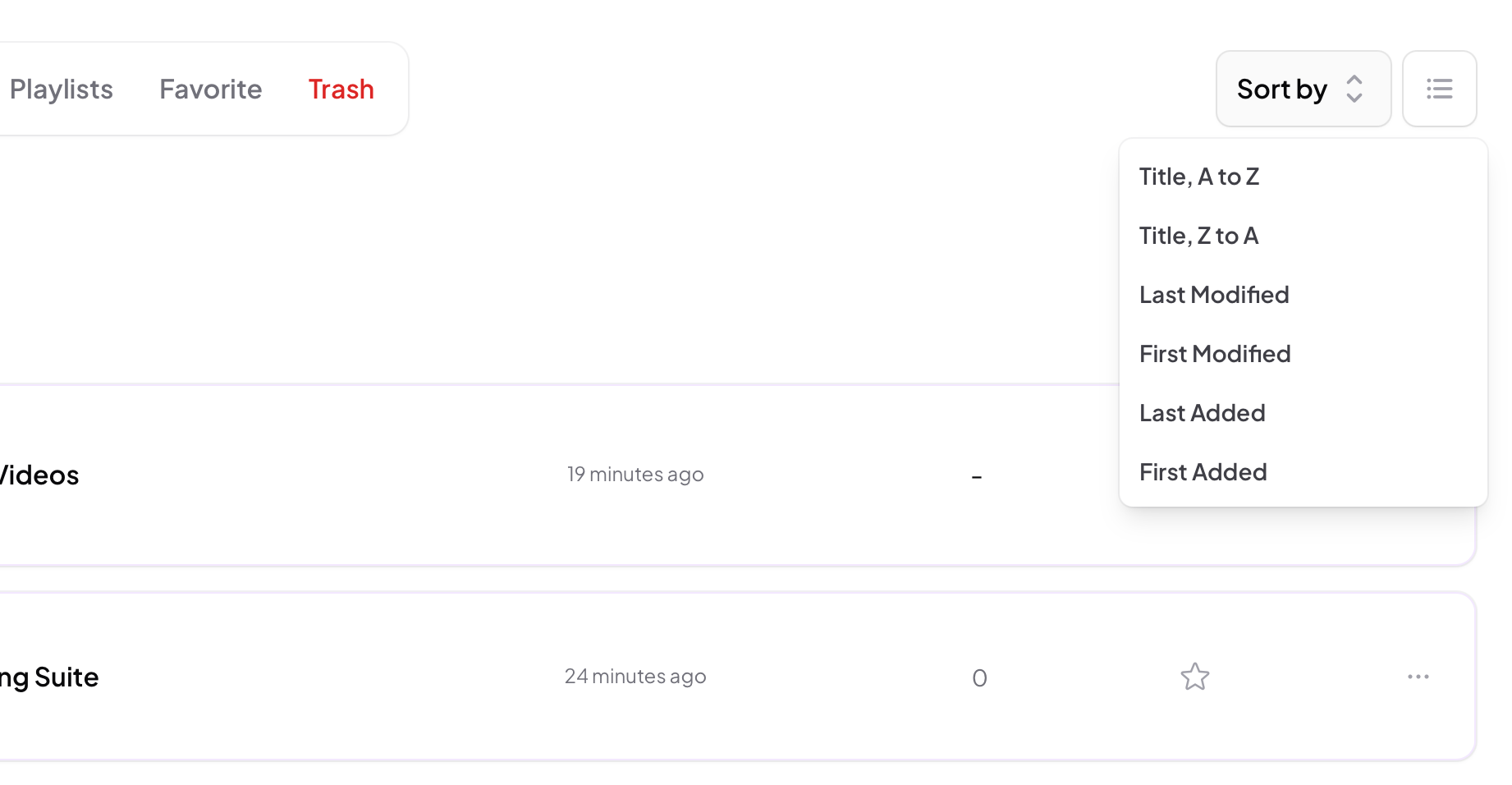
Open Sort by to reorder what is on screen. You can sort by:
Title, A to Z or Title, Z to A, alphabetically in either direction.
Last Modified or First Modified, by when an item was most recently or first changed.
Last Added or First Added, by when it was most recently or first added to your library.
Sorting works together with whichever filter you are on, so you can do things like list only your videos, newest first.
Starring a video or folder pins it, and the Favorite tab gathers all your pinned items in one place, so the things you reach for most are always one tap away.
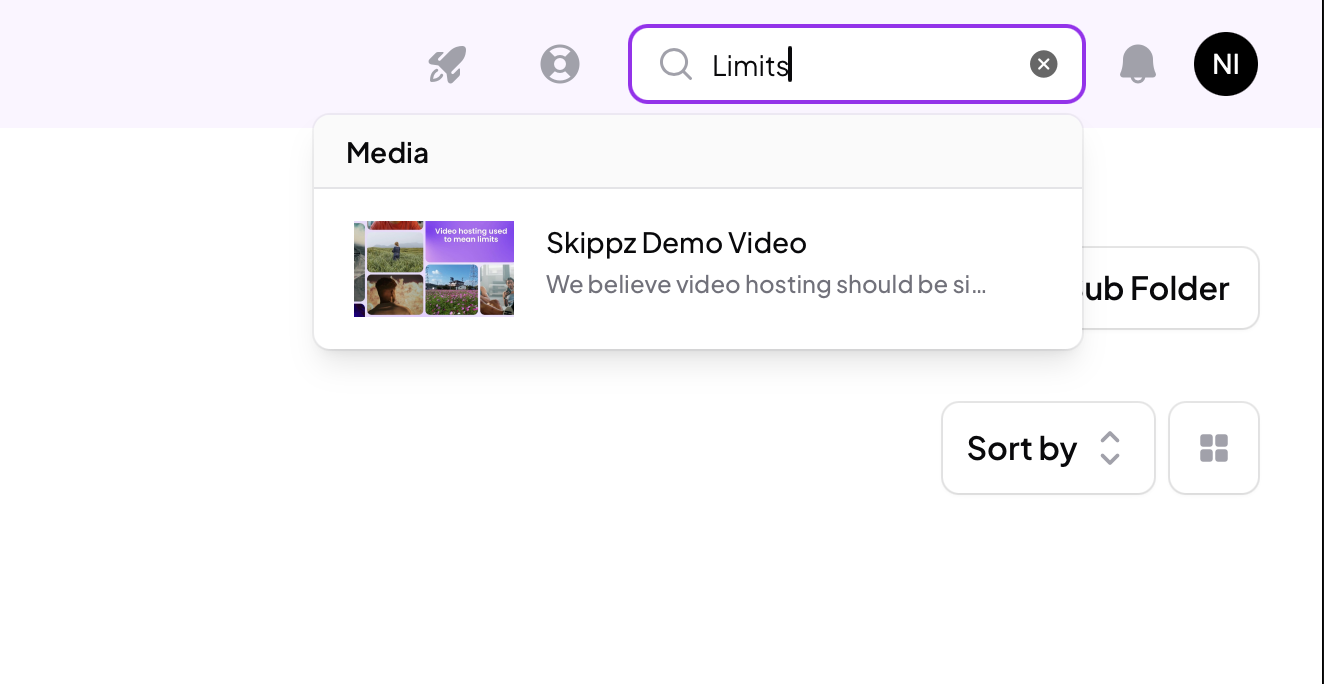
The search bar at the top of the screen is available throughout the app, wherever you are. Start typing and it returns smart results instantly, matching against video titles, descriptions and tags. It is the quickest way to jump straight to a specific video without browsing at all, which is also why a clear title, description and good tags pay off as your library grows.