
Replace lets you swap a video's file for a newer version while keeping the same video in place. Everything else stays exactly as it was, including, most importantly, your existing share links and embeds. They keep working and simply point to the new version, so you never have to re-share or re-embed anything.
This is what makes Replace different from just uploading a new video. A fresh upload would give you a new video with new links, which you would then have to swap in everywhere. Replace updates the file in place and leaves the rest untouched.
What stays the same
When you replace a video, everything carries over to the new version automatically:
Its title, description and tags
Its privacy and access settings
Its thumbnail, player controls, branding, chapters and captions
Its share page and link
Every embed you have already placed
Only the underlying video file changes.
How to replace a video
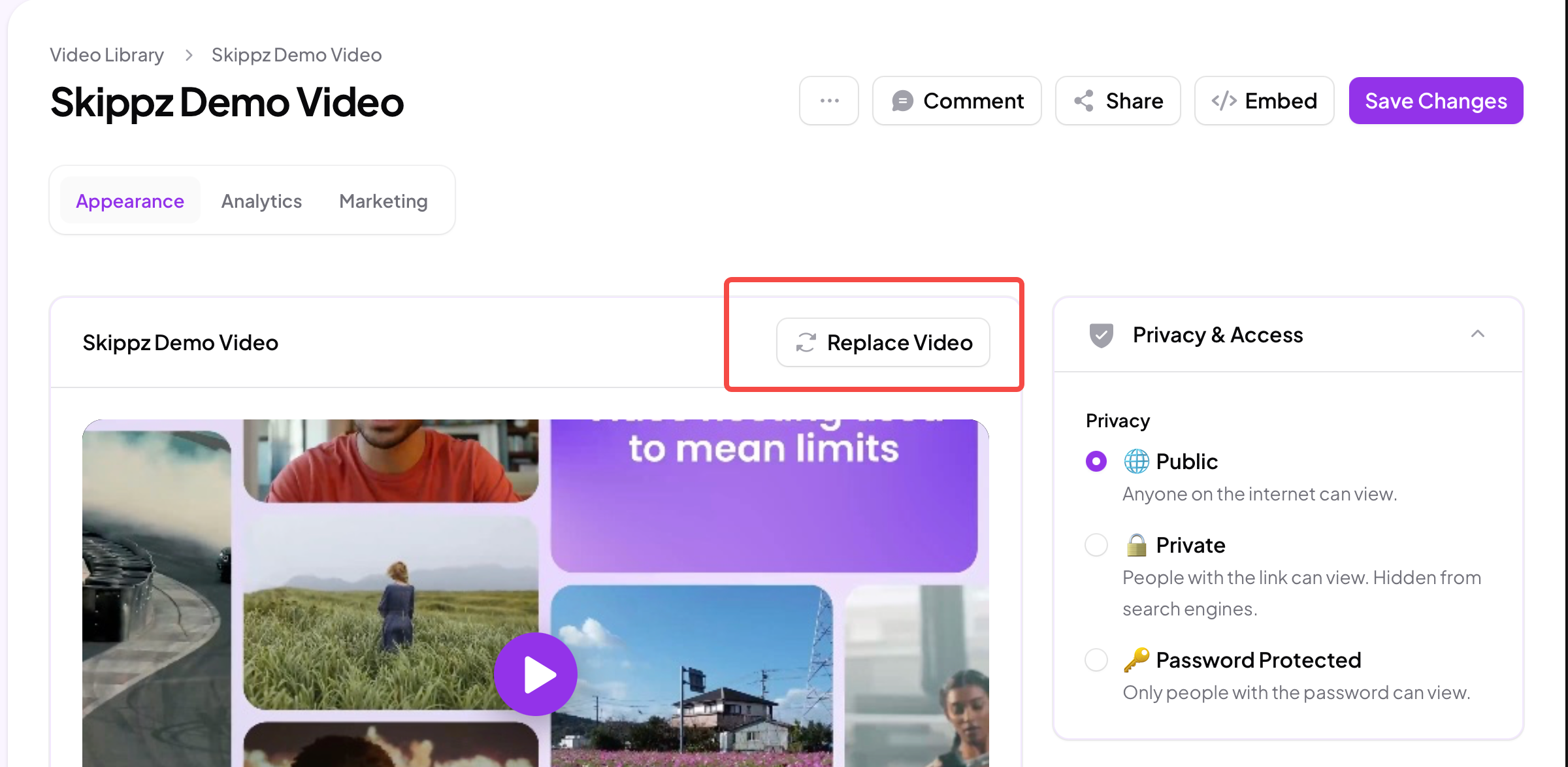
On the video page, click Replace Video.
Drag in your new file, or browse for it, just like a normal upload.
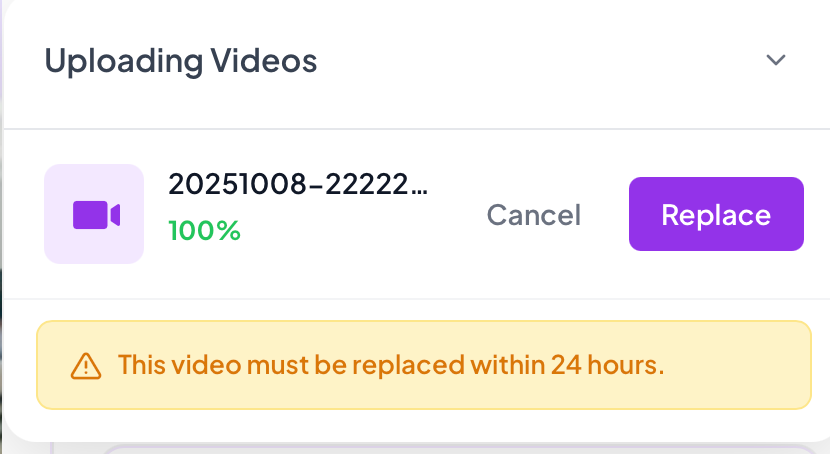
Wait for it to finish uploading. It will show 100% in the upload panel.
Choose Replace to confirm, or Cancel if you have changed your mind.
What happens when you confirm
The moment you click Replace, the previous version is deleted and your new file becomes the main video, then processes for playback the same as any upload.
Two things worth knowing before you confirm:
It cannot be undone. The old version is removed as soon as you confirm, so only replace when you are sure you have the right file.
Your links and embeds do not change. Anywhere the video is already shared or embedded, viewers will simply see the new version the next time they play it.
If you do not confirm
If you upload a replacement but do not click Replace, nothing happens to your original. Skippz automatically removes the uploaded replacement after 24 hours, and your video stays exactly as it was. The change only ever takes effect when you confirm it.