
Your workspace default branding is a starting point, not a cage. Any individual video can carry its own branding, and any playlist can have its own look. This article is about how those overrides work, and just as importantly, what they do and do not affect.
The three layers
Branding in Skippz stacks in three layers, and each one only affects its own scope:
Your workspace default applies to every new video you upload.
A single video can override that default with its own branding and player controls. This affects that video only, and never changes your workspace default.
A playlist can override branding and controls for the videos inside it, giving the whole playlist one consistent look. This affects only how videos appear inside that playlist, and never changes the individual videos or your default.
The thing to hold onto: nothing you change on a video or a playlist reaches back to alter your defaults, and a playlist never alters the videos within it. Each layer stays in its lane.
Branding a single video
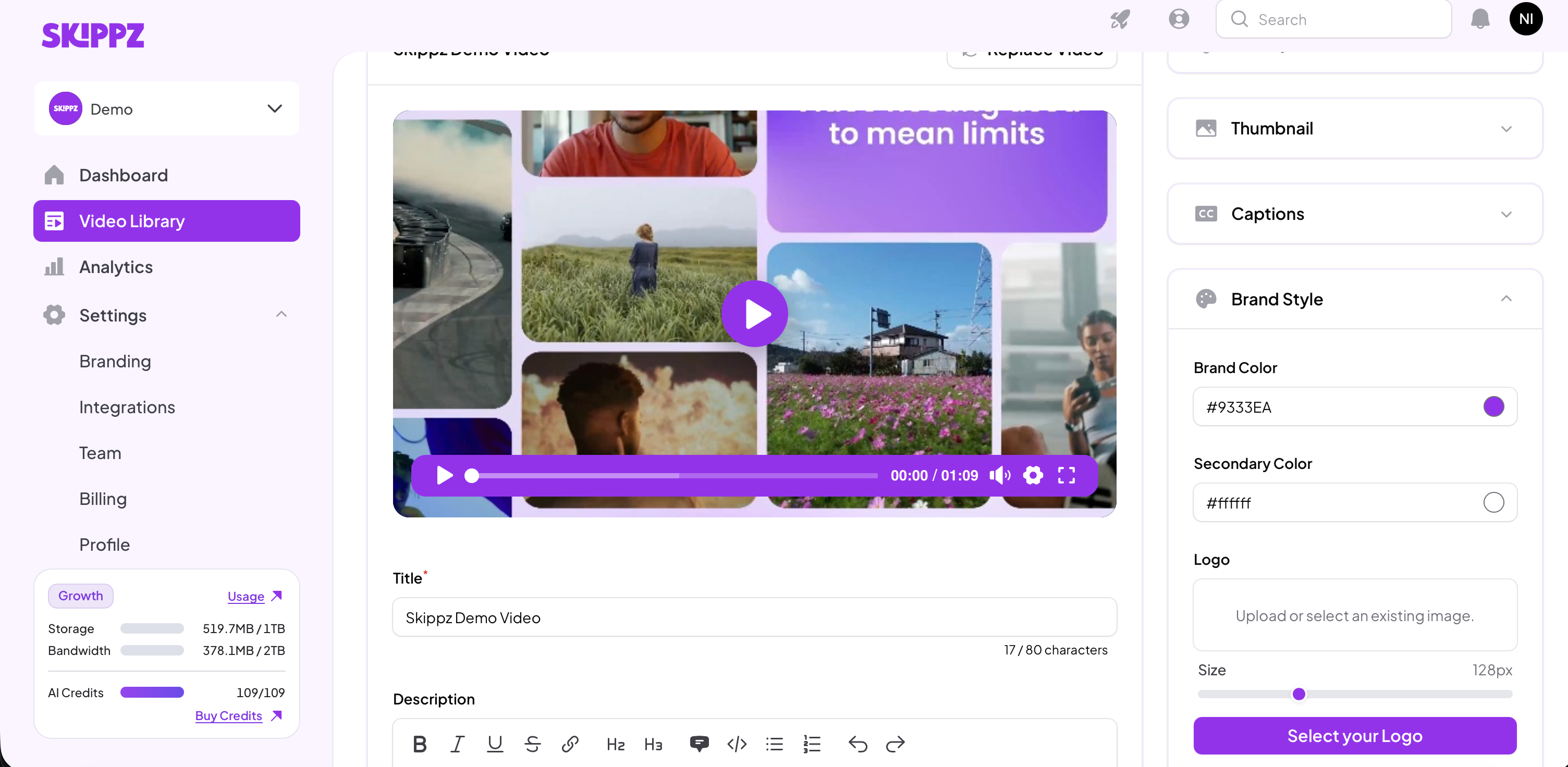
Open the video and go to the Appearance tab. You will find the same Brand Style and player controls as your defaults, plus a few more options at the video level. For what each control does, see Setting your default branding.
A few things specific to working at the video level:
The video starts from your workspace default. Change anything here to override it for this video only.
The logo you add here is a watermark, sitting on top of the video itself. It does not appear on your share page or any playlist page, and as always it only shows once you enable Logo under player controls.
You get the general player controls, plus additional options that live at the video level. We cover these in Player and player controllers.
Your changes preview live in the player on the left. Click Save Changes to apply them.
Nothing you adjust here changes your workspace default. It stays exactly as you set it.
Branding a playlist
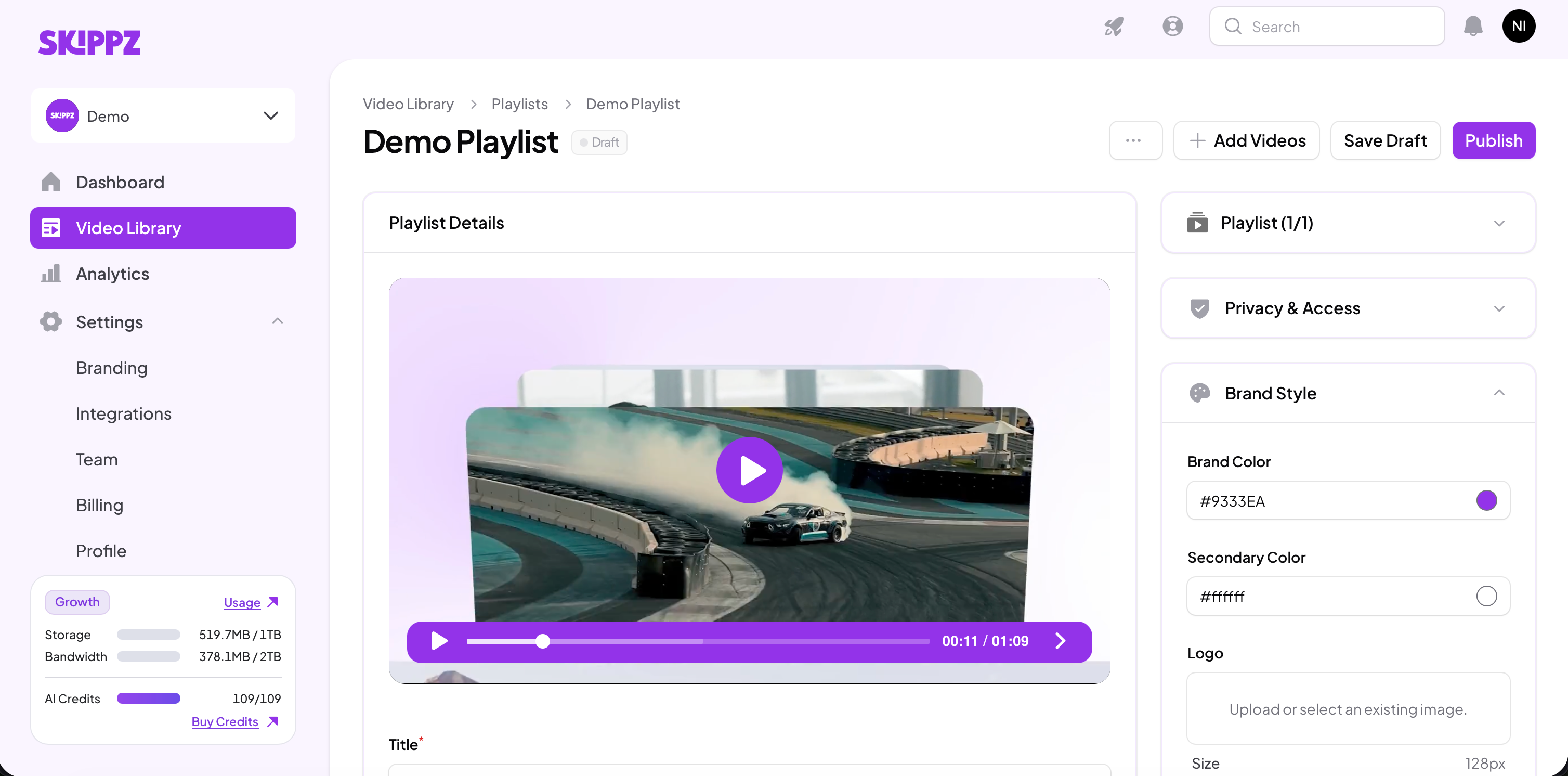
Add one or more videos to a playlist and save it as a draft, then open the playlist's Brand Style and controls.
Whatever you set becomes the playlist's own look, applied across every video while it plays inside that playlist. This overrides both the videos' individual branding and your default, but only within the playlist. It does not change the individual videos' own settings, their own share pages, or your workspace default.
For the fuller picture of how a playlist behaves as its own player, see Playlists article.
Where to go next
Player and player controllers